


Studio Management Software

Built for Volume Photography

ScheduLink unifies clients, shoots, staff, and tasks — so nothing slips through the cracks and your studio can grow with confidence.

hero image

Trusted by studios
who keep every detail on track

trusted company 1trusted company 2trusted company 3trusted company 3

Gain Total Studio Clarity

See the complete picture of every shoot, client and deliverable without jumping between tools.

Cut Your Admin Time

Stop recreating the same tasks and emails for every shoot and let templates do the work instead.

Automate your Growth

Prevent missed deadlines and double bookings so your team can focus on taking on more work.

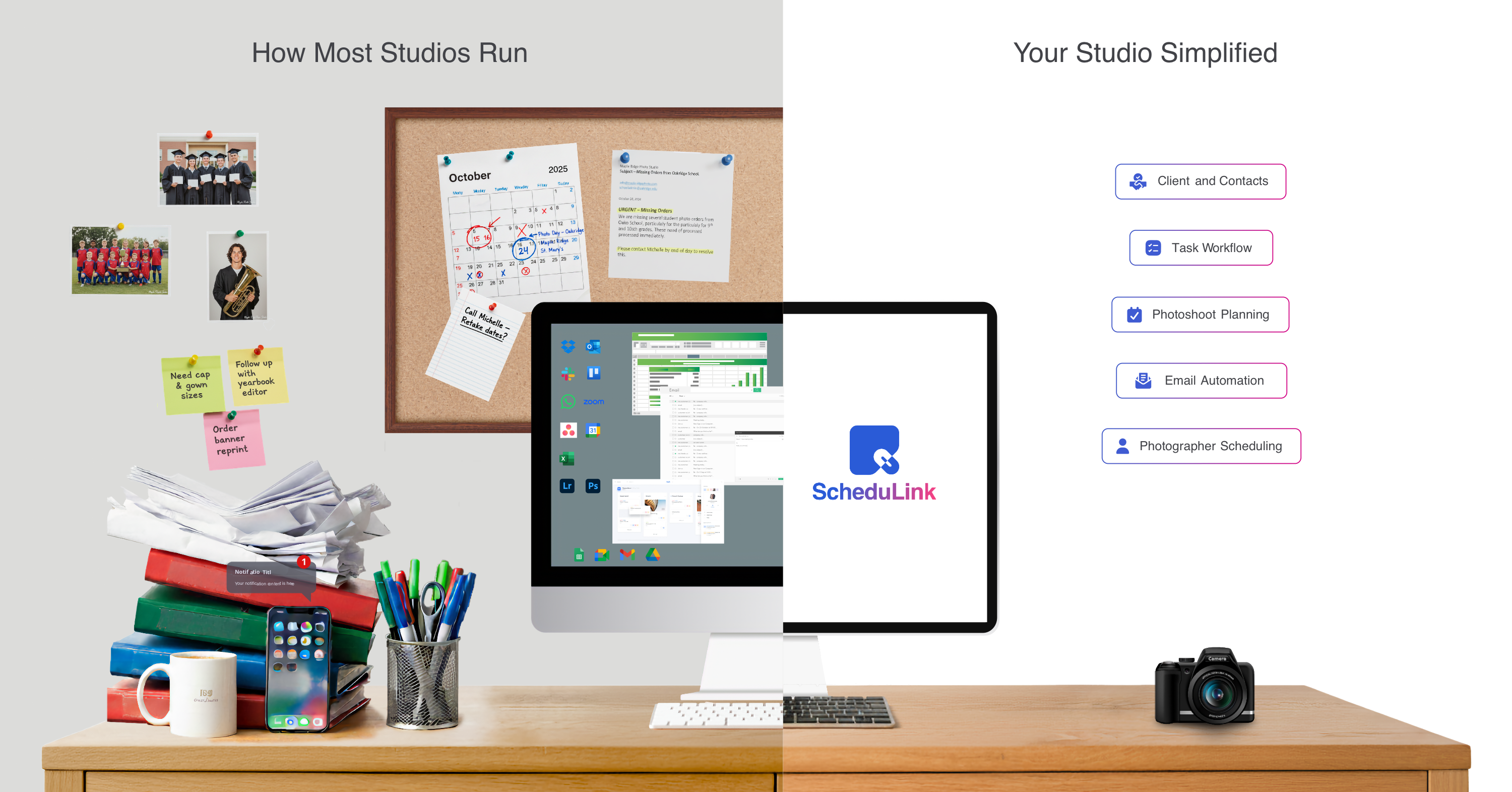
Simplify How Your Studio Runs

Go from juggling spreadsheets and sticky notes to running your entire studio in one simple platform.

schedulink infographic

How Studios Run With Schedulink

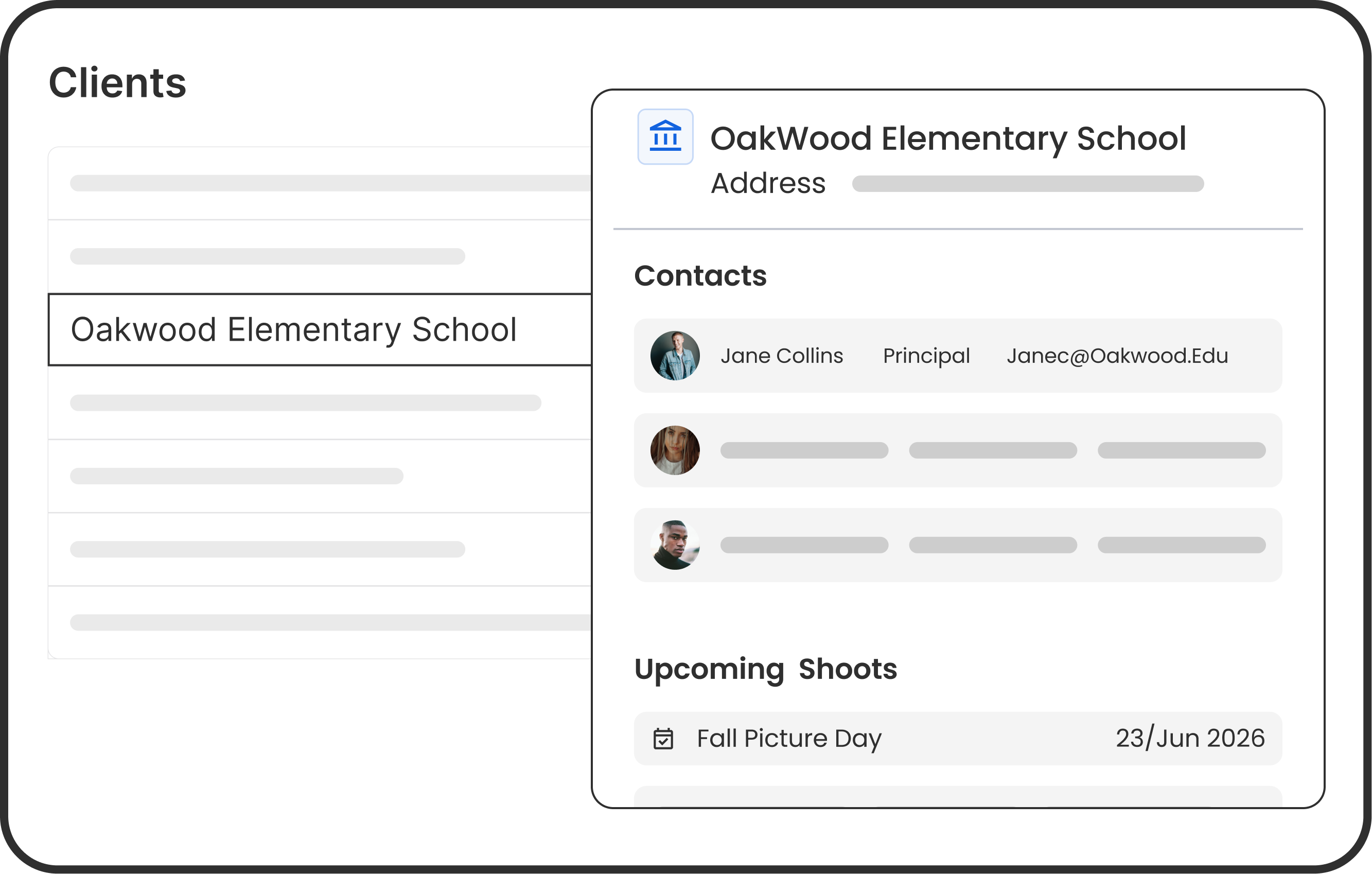
Clients & Contacts

Keep every client detail organized in one place.

  • Central Directory: Keep every client and contact in one place with roles, statuses, and custom fields.
  • Complete Context: Notes, attachments, and linked events give you a clear history whenever you need it.
  • Team Controls: Send emails directly, manage user access, and stay on top of alerts so nothing slips through.
Photoshoot Planning

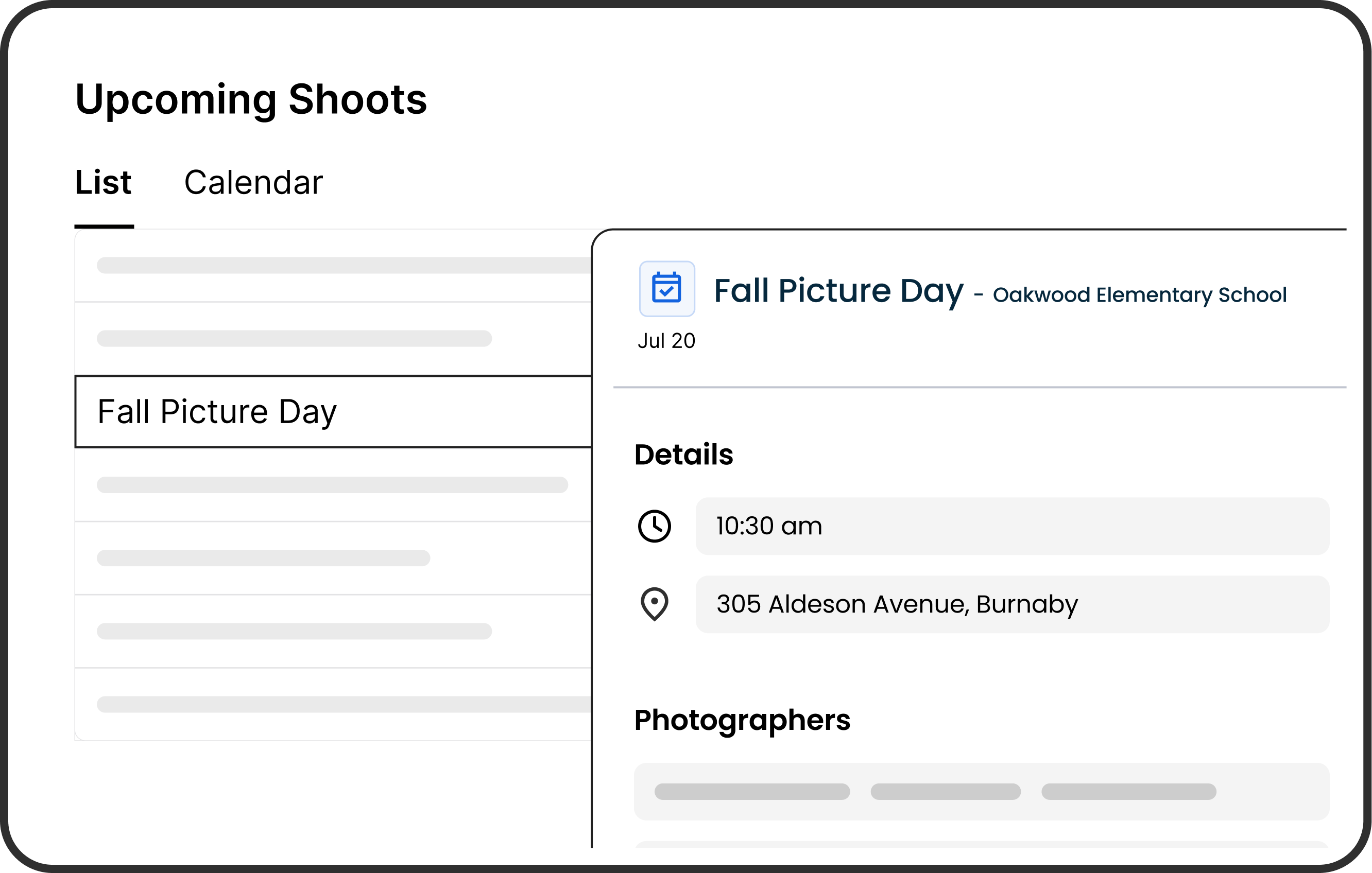
Plan and track shoots with templates, custom fields, and calendars.

  • Customizable Events: Store all details in one place with custom fields, tasks, and email workflows tailored to each shoot.
  • Flexible Views: Switch between calendar and list, filter by status, location, or staff, and manage hundreds of events without losing track.
  • Smart Templates: Save time by duplicating or reusing event templates, with tasks and emails scheduled automatically around event dates.

Photographer Scheduling

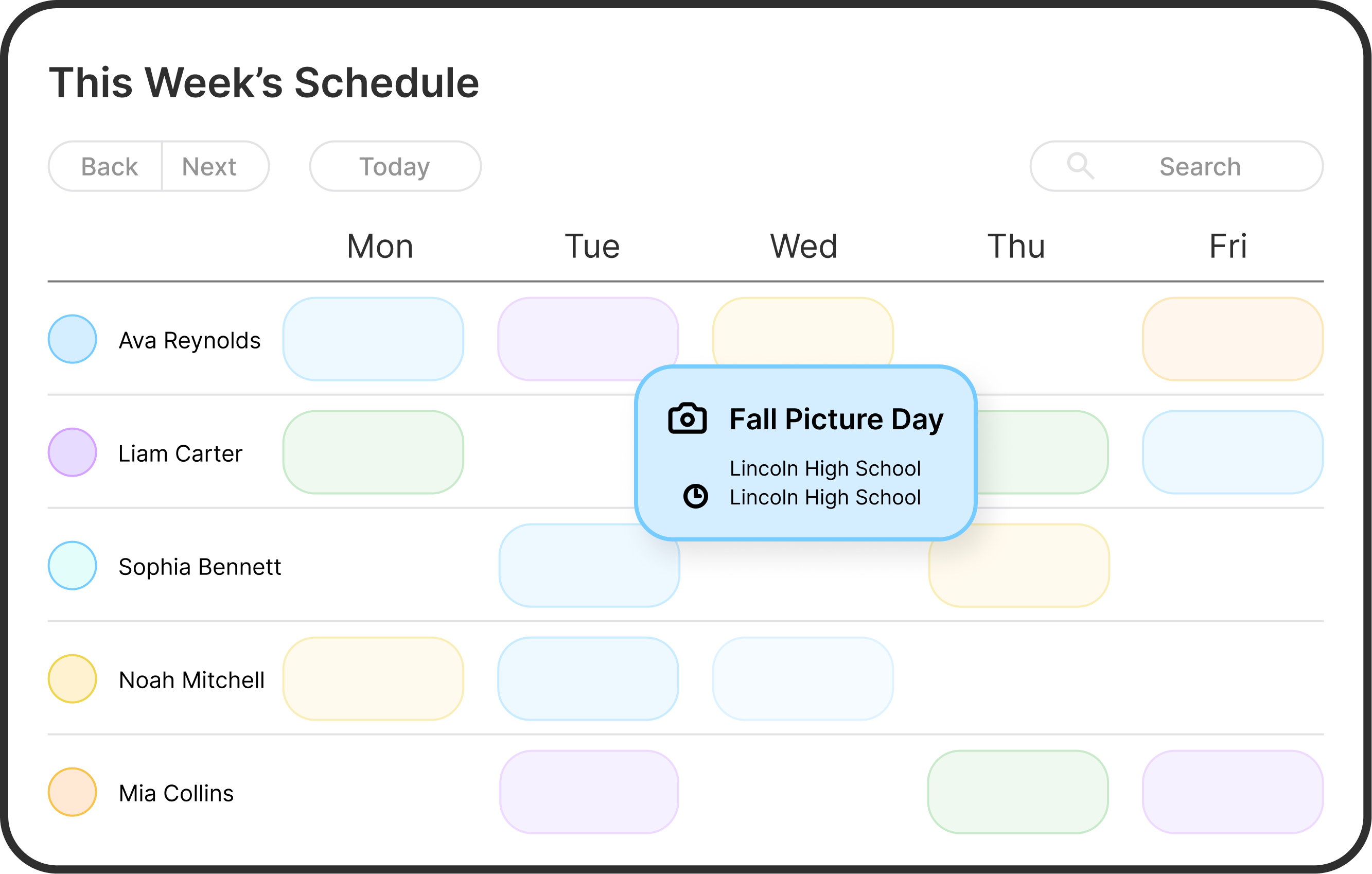
Make sure every shoot has the right people, at the right time.

  • Conflict-Free Assignments: Assign photographers across events with confidence, knowing the system prevents double-bookings.
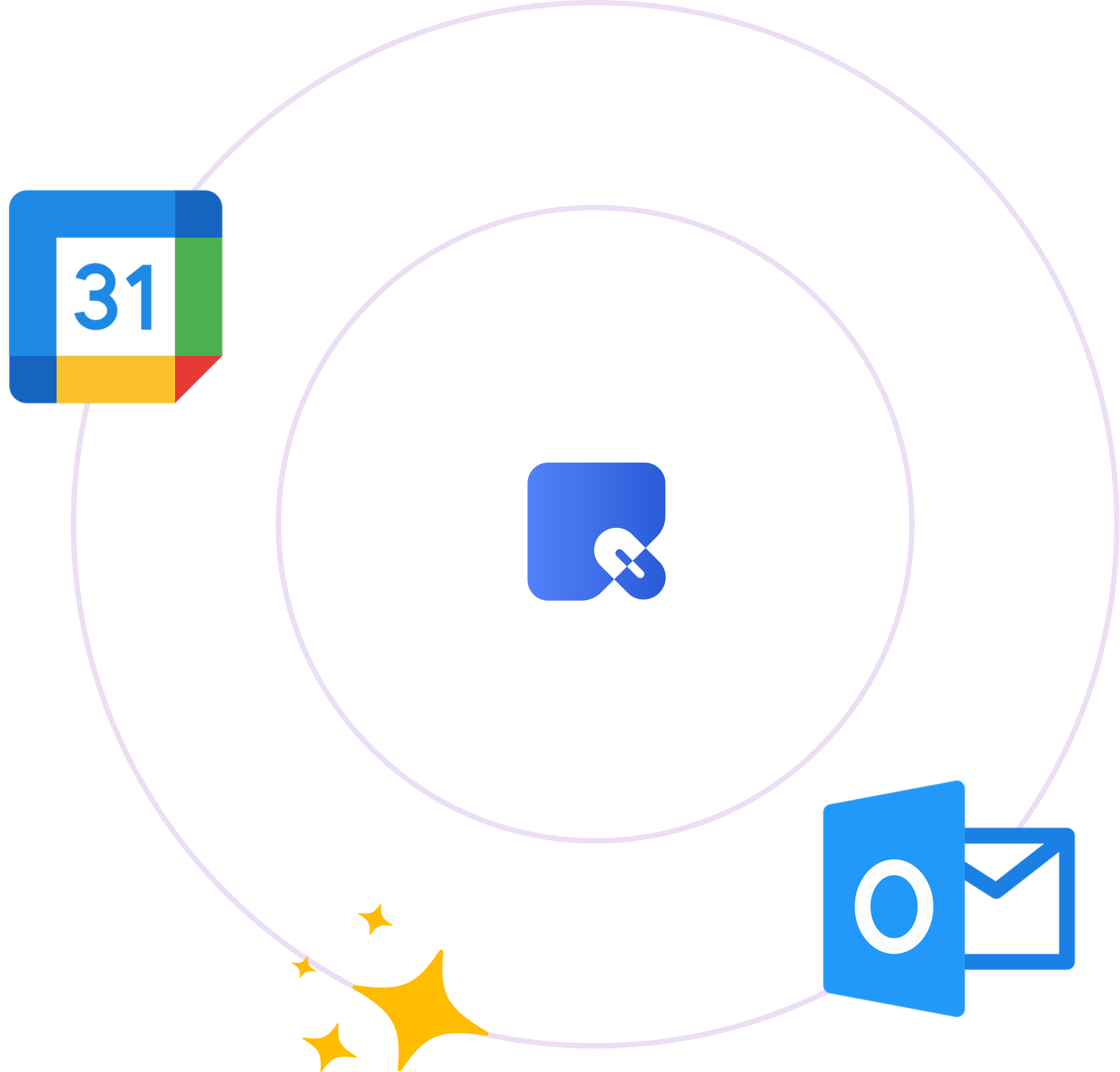
  • Calendar Sync: Automatically send assignments and updates to Google Calendar or Outlook, so schedules stay aligned without extra emails.
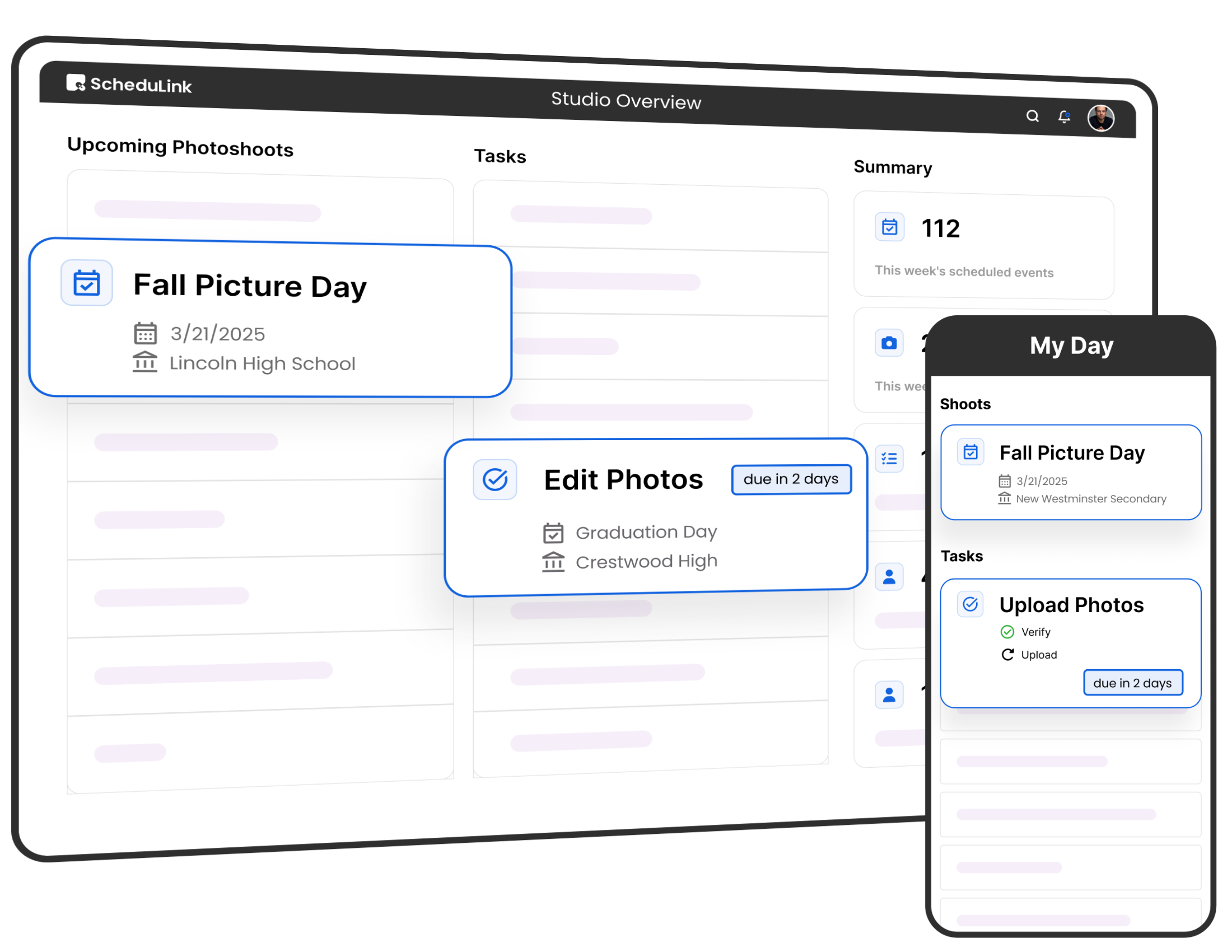
  • Always Informed: Photographers can access their schedules, event details, and notes anytime on desktop or mobile.

Task Workflow

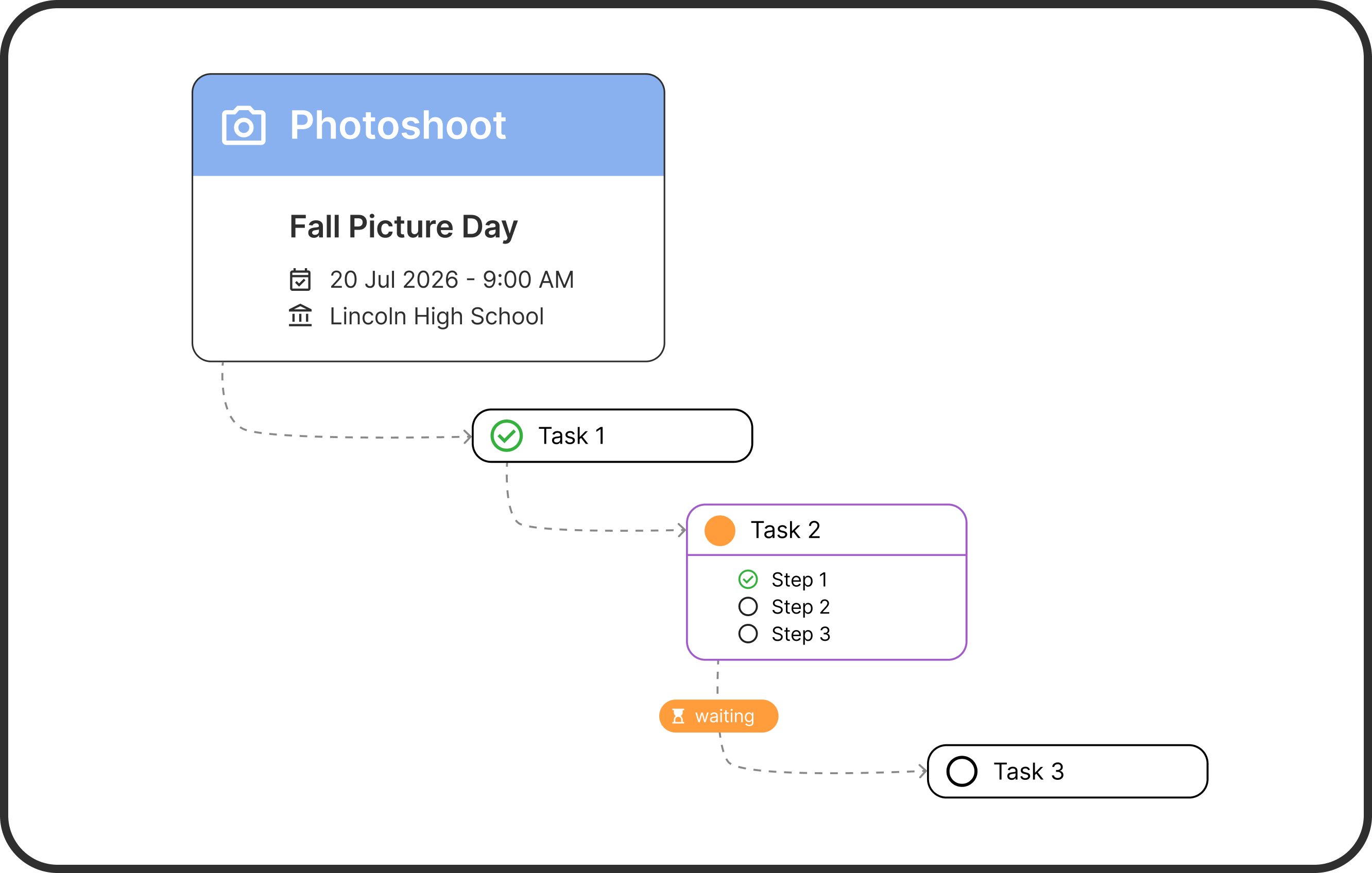
Automate to-dos and link them to clients, shoots, or staff.

  • Automated Task Lists: Tasks generate automatically from event templates, triggered by event dates and deadlines.
  • Task Dependencies: Link entire tasks together so one can’t start until the previous is complete, keeping the sequence clear.
  • Organized & Linked: Attach tasks to events, clients, or employees, with custom fields, subtasks, and overdue tracking.

Email Automation

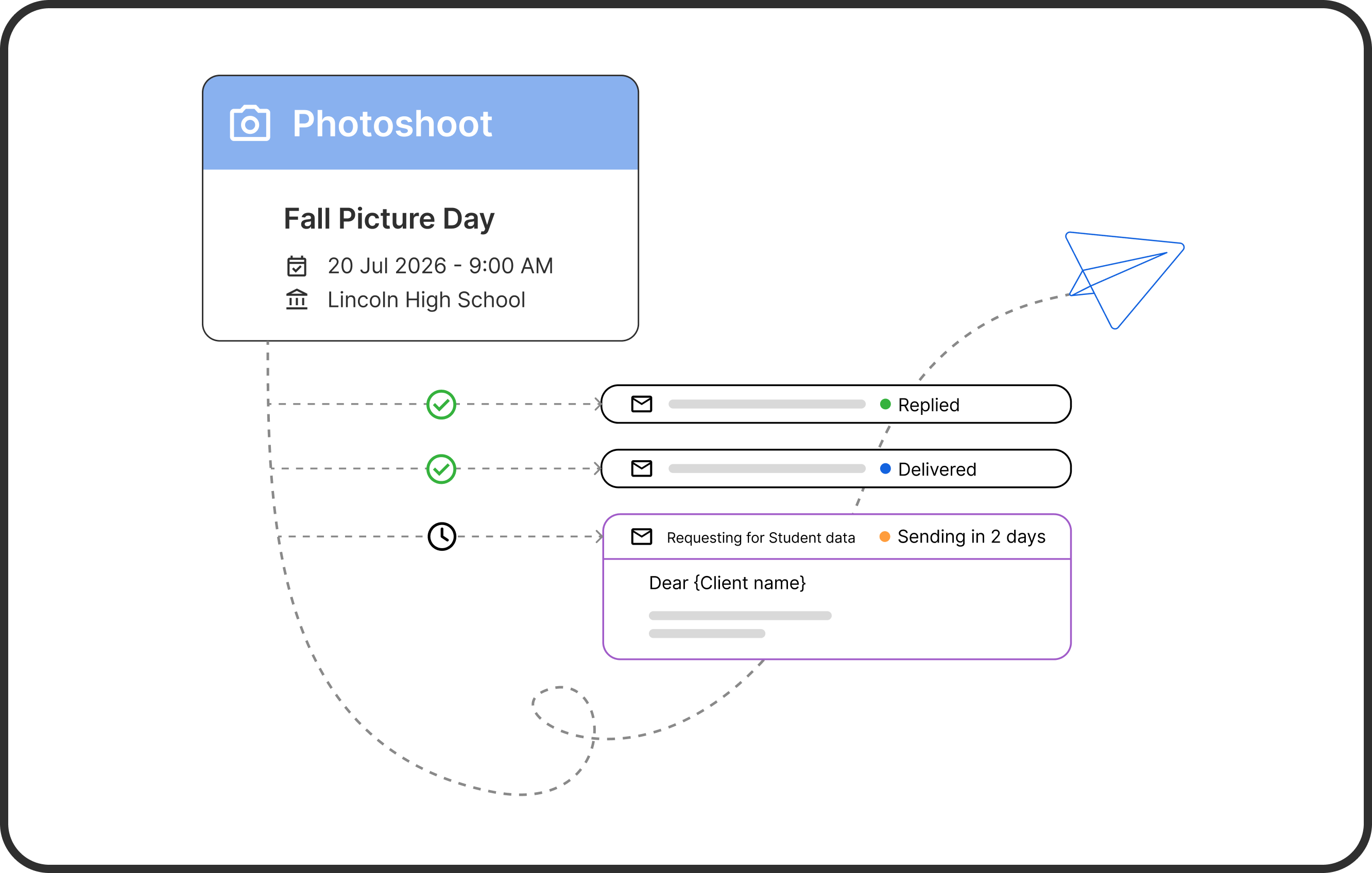
Send reminders automatically before and after each shoot.

  • Dynamic Templates: Create reusable templates with event details, names, and dates auto-filled for each recipient.
  • Automated Scheduling: Emails send automatically before or after events based on date offsets, so reminders never get missed.
  • Role-Based Delivery: Target the right contacts every time, with full delivery tracking and logs tied to each event.

Connect ScheduLink with Google Calendar and Outlook Calendar

Keep your studio in sync — more integrations coming soon.

FAQS

Yes. ScheduLink is flexible enough to support many types of volume photography studios. We’ll work with you during onboarding to set it up around how your team plans, schedules, and communicates.

Lets Make Running Your Studio Simpler

Book a demo to see how ScheduLink fits the way you work.

© 2024 ScheduLink. All rights reserved